

Software Project Handover: Why It Matters for Long Term Product Success
A smooth software project handover helps businesses receive source code, access, documentation, deployment details, hosting setup, and product knowledge so the product can be managed and improved after launch.
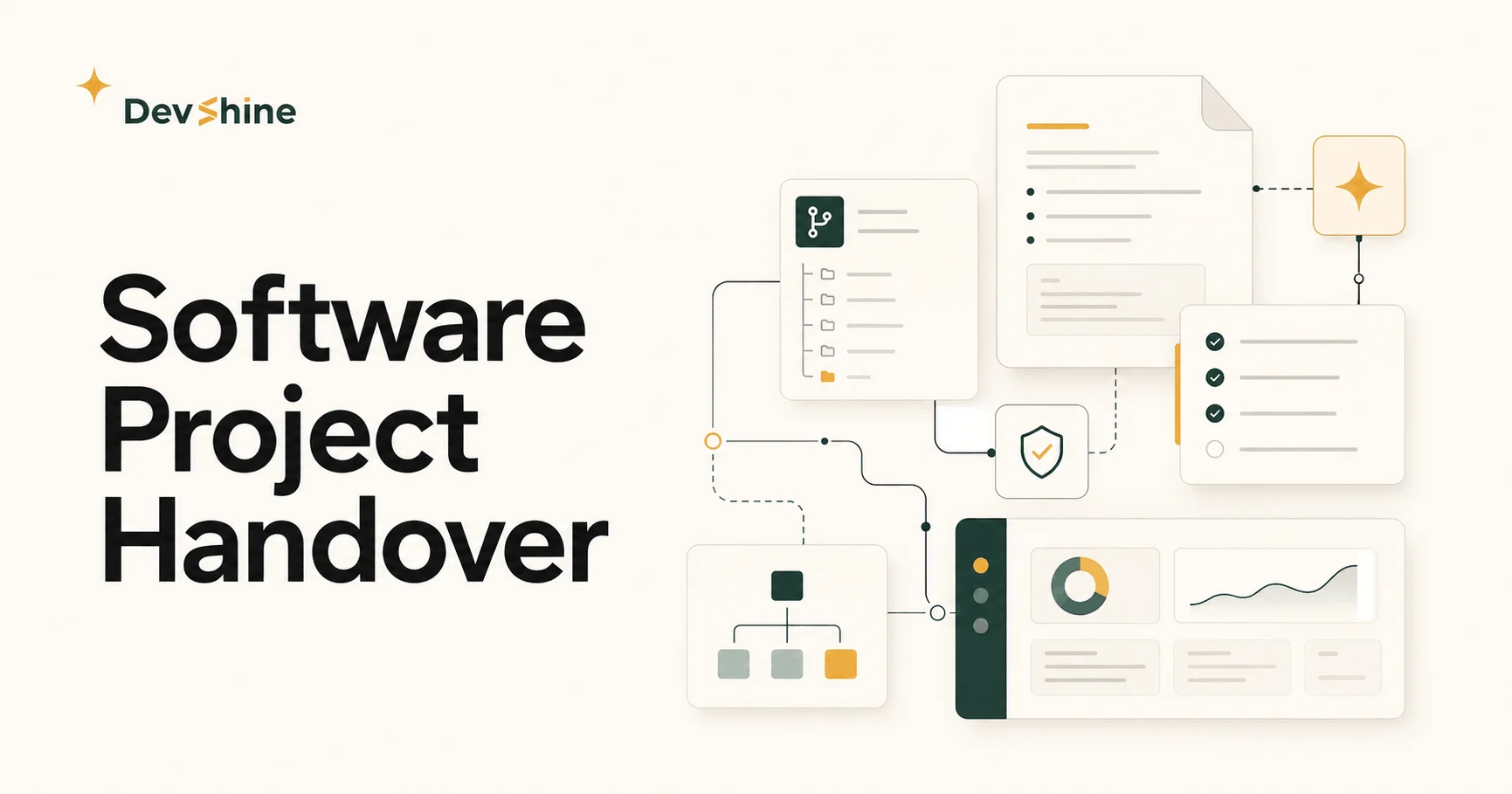
Software Project Handover: Why It Matters for Long Term Product Success
A software project does not end when the last feature is completed. It ends when the client can understand the product, access the right tools, manage the system, and continue growing without feeling dependent on the development team for every small update. That final stage is called software project handover, and it is one of the most important parts of a professional software development process.
Many businesses focus only on design, development, and launch. Those stages matter, but the handover decides what happens after launch. A product can look beautiful and work well on the first day, but if the client does not receive proper documentation, login access, hosting details, source code, deployment instructions, and basic training, the project becomes difficult to manage later.
For a company like DevShine, smooth handover fits directly with the way the brand presents itself. DevShine is positioned as a product design and development partner that builds user focused digital products for long term scalability, smooth handovers, and sustainable growth. That means the goal is not only to build something that works. The goal is to deliver a product that the client can own, understand, and grow with confidence.
What Software Project Handover Means
Software project handover is the process of transferring everything related to a completed digital product from the development team to the client or internal team. It includes the product itself, but it also includes the knowledge, access, files, instructions, and technical context required to manage the product after delivery.
A proper handover usually includes source code, design files, admin access, hosting access, domain information, database details, environment variables, deployment instructions, third party service accounts, testing notes, documentation, and support guidance. In simple words, handover answers this question: can the client continue from here without confusion?
Without a clear handover, the product becomes risky. A client may have a working website, mobile app, or custom platform, but they may not know where it is hosted, how to update it, who controls the accounts, or what another developer needs before making changes. That creates delays, extra costs, and unnecessary stress.
Why Handover Matters After Development
The handover stage protects the value of the entire project. A business invests money, time, and trust into building a digital product. If the final delivery is incomplete, that investment becomes harder to use. The client may need to spend more money just to understand what was built.
A smooth handover also builds trust. When a software team gives proper documentation and explains the system clearly, the client feels that the project was handled professionally. It shows that the team is not trying to keep the client confused or locked into unnecessary dependency.
This is especially important for startups and growing businesses. A product may start small, but future updates, new features, integrations, and performance improvements will come later. If the foundation is not handed over properly, every future improvement becomes slower.
What Should Be Included in a Software Project Handover
A strong software project handover should include everything needed to understand, maintain, and improve the product. The exact list depends on the project, but the core items are usually the same.
First, the client should receive access to source code and repositories. This may include GitHub, GitLab, Bitbucket, or another code platform. The repository should be organized in a way that another developer can understand.
Second, the client should receive design files. For many modern products, this means Figma files, design systems, brand assets, icons, images, typography rules, and component references. Design handover is important because future screens should stay consistent with the original product.
Third, the client should receive hosting and deployment information. This includes where the product is hosted, how deployments work, which services are connected, and what must be checked before pushing updates.
Fourth, the client should receive documentation. Documentation does not need to be unnecessarily complicated. It should clearly explain how the product works, how the admin panel works, which services are used, and what the next team needs to know.
Fifth, the client should receive training or a walkthrough. Even a short session can save many hours later. The client should know how to use the dashboard, manage content, review users, update settings, and contact support when needed.
Common Problems Caused by Poor Handover
Poor handover creates problems that usually appear after the project is already live. The product may work, but the client does not know how to manage it. This is where frustration starts.
One common problem is missing access. The client may not have admin credentials, hosting login details, payment account access, analytics access, or source code access. Without these, even small changes become difficult.
Another problem is missing documentation. A new developer may open the project and spend days trying to understand how everything connects. This wastes time and increases development cost.
Poor handover can also create security risks. If passwords, API keys, and service accounts are shared casually or stored without structure, the product becomes vulnerable. A professional handover should explain how credentials are managed and what should be changed after delivery.
Clients can also face vendor lock in. This happens when the previous team keeps too much knowledge to themselves, making it hard for the client to move forward independently. A smooth handover reduces this risk and gives the client more control over their own product.
How Smooth Handover Supports Long Term Product Growth
Digital products are rarely finished forever. A website may need new pages. A mobile app may need new features. A custom platform may need integrations, performance improvements, security updates, or design improvements. Smooth handover makes these future updates easier.
When everything is documented and organized, future developers can understand the project faster. They can see the structure, review the design files, check the technology stack, and make changes without breaking the product.
Smooth handover also helps the client make better decisions. When the client understands what has been built, they can plan new features more confidently. They know which parts are flexible, which parts need improvement, and which features should come next.
This connects strongly with DevShine's product approach. DevShine focuses on design, development, scalability, and helping clients grow independently. A clean handover supports that promise because it gives the client control after the product is delivered.
Why Handover Is Important for Web Apps and Mobile Apps
Web apps and mobile apps often depend on many connected services. A simple looking product may include authentication, databases, payment systems, cloud storage, analytics, email services, push notifications, admin dashboards, and deployment pipelines. If these services are not explained during handover, the client may not fully understand the product they own.
For web apps, handover should include frontend code, backend code, database information, environment setup, hosting details, domain setup, and CMS or admin panel training. For mobile apps, handover should include app store access, play store access, build files, signing information, backend connections, notification setup, and release instructions.
A smooth handover is also important for testing. The client should know what has been tested, what should be tested before future releases, and where known limitations exist. This helps prevent mistakes during updates.
How DevShine Can Position This Topic
This blog topic is useful for DevShine because it highlights a professional part of software development that many agencies ignore. It shows that DevShine cares about the full product journey, not only the first launch.
The message should be simple: DevShine builds digital products where intuitive design meets modern technology, but the work does not stop at development. The team also focuses on clean delivery, smooth execution, clear communication, and long term product independence.
This kind of content can help potential clients feel safer before contacting the team. A client may already know they need a website, app, or custom platform. What they also want to know is whether the team will guide them properly and deliver the project in a way that is easy to manage later.
Deployment Details That Should Be Included in Handover
Deployment is one of the most important parts of software project handover because it explains how the product moves from code to a live working environment. A client should not only receive the final website, mobile app, or platform. The client should also understand where it is hosted, how it is released, and what needs to happen when future updates are added.
A proper deployment handover should include hosting provider details, server access, domain and DNS information, environment variables, build commands, deployment steps, database connection details, storage setup, third party service keys, backup process, and rollback instructions. These details make the product safer to manage after launch.
For web products, deployment information may include platforms such as Vercel, Netlify, AWS, DigitalOcean, Firebase, or a custom server setup. For mobile apps, it may include App Store Connect access, Google Play Console access, release notes, build versions, signing details, and instructions for submitting future updates.
This topic matters because a product can look finished but still be difficult to maintain if deployment knowledge stays only with the development team. When deployment steps are documented clearly, the client or future development team can release updates without guessing, avoid downtime, fix urgent issues faster, and keep the product stable as it grows.
For DevShine, deployment should be presented as part of responsible product delivery. The goal is not only to design and develop a digital product but also to make sure the client receives a launch ready system with the knowledge required to keep it running smoothly after handover.
Software Project Handover Checklist
Before accepting a completed software project, a client should check a few important items. Source code should be shared and organized. Design files should be accessible. Hosting and deployment details should be explained. Admin accounts should be transferred. Third party services should be listed. Documentation should be clear. Testing notes should be included. The client should receive a walkthrough of the product. Support expectations should be discussed.
This checklist helps both sides. The client knows what to expect, and the development team can close the project in a clean and professional way. It also reduces confusion after launch because everyone understands what has been delivered.
What Clients Should Ask Before Handover
Clients should ask practical questions before the final handover. Who owns the source code? Where is the product hosted? How do we update the product? Which accounts are connected? Where are the design files? What happens if something breaks after launch? What support is included? What should we do before adding new features?
These questions are not only technical. They are business questions. A product is an asset, and the client should understand how that asset is managed. A professional software company should be ready to answer these questions clearly.
Final Thoughts
Smooth project handover matters because it turns a completed software project into a product the client can actually own and manage. It protects the investment, reduces future confusion, improves trust, and supports long term growth.
For businesses planning a website, mobile app, or custom software platform, the development team should not only be judged by design quality or coding skills. The team should also be judged by how clearly they deliver the final product.
DevShine's promise of scalable design and development becomes stronger when handover is treated as part of the product experience. A product that is built well should also be delivered well. That is what helps businesses move forward with clarity, confidence, and control.
FAQs
What is software project handover?
Software project handover is the process of transferring the final product, source code, design files, access, documentation, and technical knowledge from the development team to the client or internal team.
Why is project handover important after launch?
Project handover is important because it helps the client understand, manage, maintain, and improve the product after launch without confusion or unnecessary dependency. It protects long term product ownership and reduces the risk of delays during future updates.
What should be included in a software project handover?
A proper handover should include source code, design files, hosting access, admin credentials, deployment instructions, environment details, third party service accounts, testing notes, documentation, and product training.
How can DevShine help with smooth project delivery?
DevShine supports smooth project delivery by combining design, development, deployment planning, documentation, clear communication, and handover guidance so clients can continue improving their digital product with more confidence after launch.